Envelopes & gifts
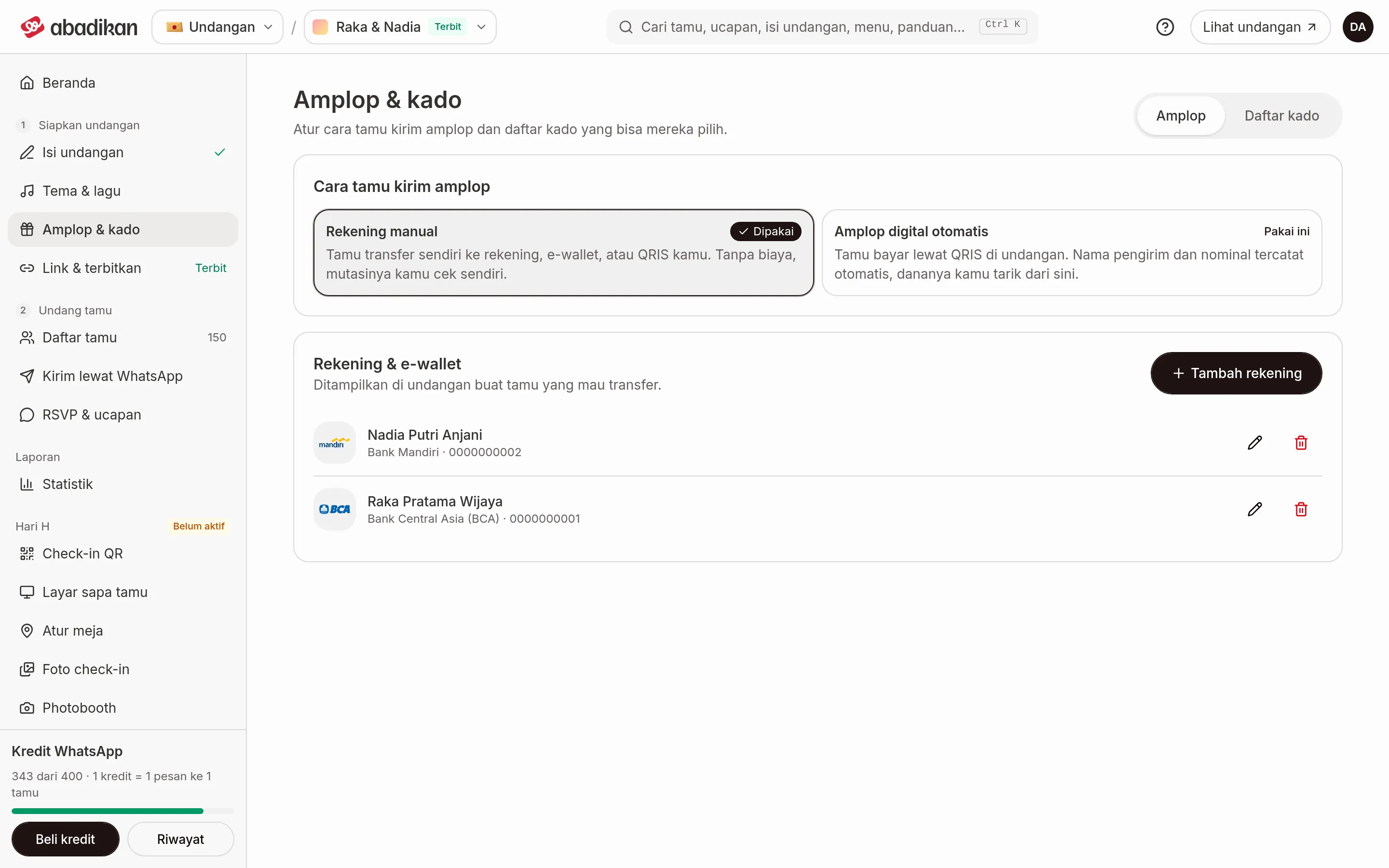
The Envelopes & gifts menu sets up how guests give you envelopes and gifts through your invitation. It has two tabs: Envelopes for money, and Gift list for items.
You'll find the menu in the sidebar, in the Prepare invitation group (step 1), between Theme & music and Link & publish. On your phone, open the Menu tab at the bottom of the screen, then pick Envelopes & gifts. The full menu map is in Dashboard menu and navigation.
What you can do, and where
| What you can do | Where | Page |
|---|---|---|
| Show your own bank account, e-wallet, or QRIS on the invitation | Envelopes tab › Bank accounts & e-wallets | Bank accounts & e-wallets |
| Switch to the automatic digital envelope through QRIS | Envelopes tab › How guests send money gifts | Automatic digital envelope |
| See your balance and the Envelope history | Envelopes tab (automatic mode) | Envelope balance and history |
| Move your balance to your account | Withdraw button on the Envelopes tab | Withdraw funds |
| Put together a list of physical gifts guests can reserve | Gift list tab | Gift list |
| Fix a balance or withdrawal that isn't working | — | Problems with envelopes and withdrawals |
Two ways guests send envelopes
On the Envelopes tab, the How guests send money gifts section has two options. Only one is used at a time; the one that's active is marked In use.
- Manual accounts: guests transfer to your bank, e-wallet, or QRIS themselves. No fees; you check the transfers yourself.
- Automatic digital envelope: guests pay by QRIS on the invitation. Sender names and amounts are recorded for you, and you withdraw the money from here.
The automatic digital envelope and Gift list are on the Janjian and Full Custom plans. On other plans, the automatic option is labeled Janjian plan and the Gift list tab shows a locked card with an upgrade button.
The automatic digital envelope is also only for Rupiah (IDR) invitations. On an invitation in another currency, that option is labeled IDR only and guests can still send money gifts through manual accounts.
Old links
The old addresses /invitation/gift and /invitation/gift-withdraw automatically redirect to this new page, so links you saved still work.