Withdraw envelope funds
Envelopes from guests collect in your digital envelope balance. Use Withdraw to move it to your bank account or e-wallet.
Withdraw
- Go to Envelopes & gifts, Envelopes tab, then click Withdraw. The Withdraw page opens.
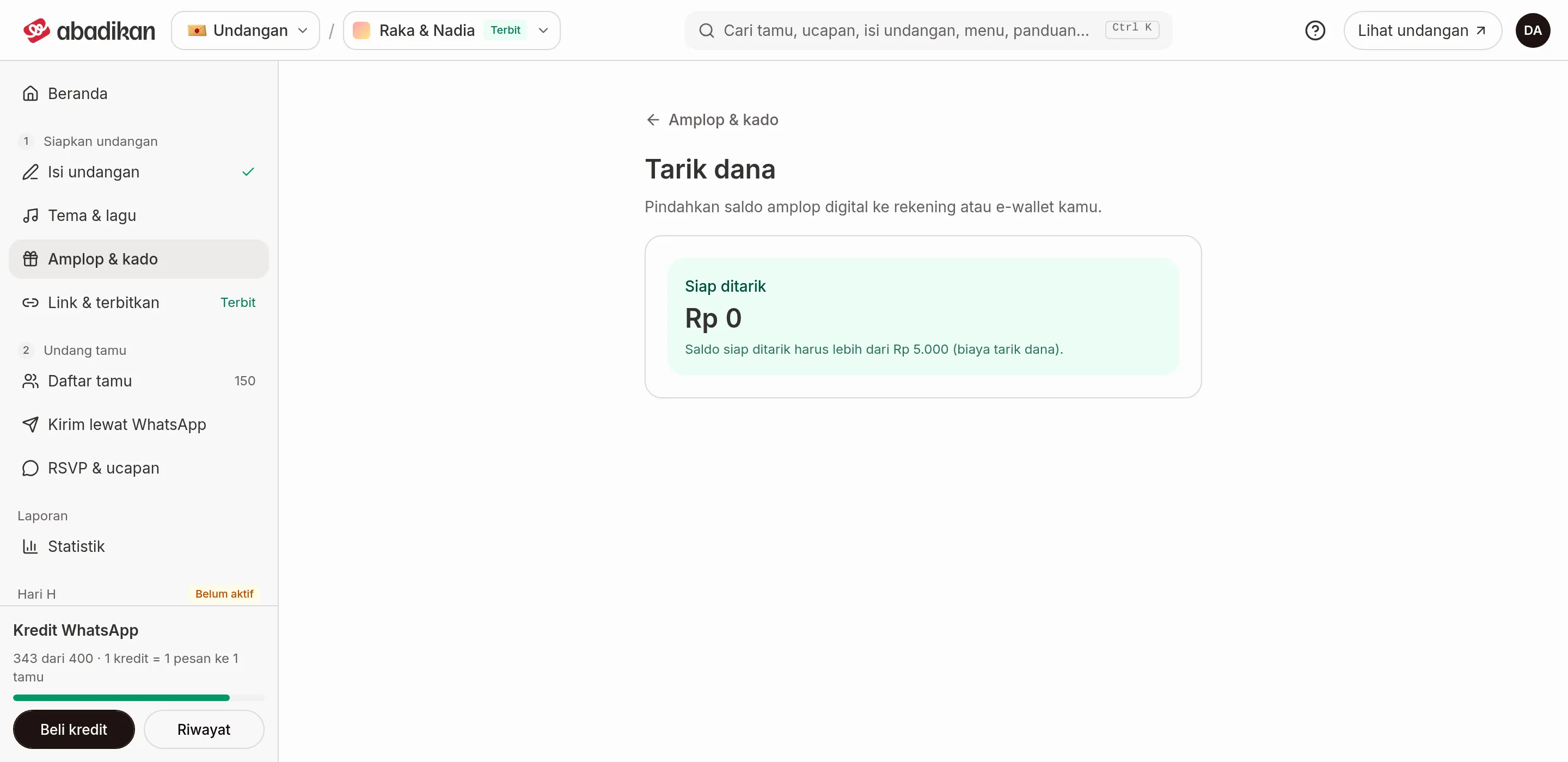
- Check Ready to withdraw. Below it is the most you can withdraw (the balance minus the withdrawal fee).
- Fill in Amount to withdraw, or click Withdraw all.
- Check the breakdown: Amount withdrawn, Withdrawal fee, Taken off the balance, Balance left to withdraw.
- Click Withdraw. In the "Withdraw [amount]?" dialog, click Yes, withdraw.
- You're taken to Xendit's payout page to choose the destination bank or e-wallet. The link is also sent to your email.
If no Xendit page opens, you see "Withdrawal recorded. Check your email for the link to choose the destination account." and you're taken back to Envelopes & gifts.
If a withdrawal is rejected
| Message | What it means |
|---|---|
| Enter the amount to withdraw. | Amount to withdraw is empty. |
| At most [max], because the Rp5.000 withdrawal fee comes off the same balance. | The amount is too high. Lower it, or click Withdraw all. |
| The withdrawal failed. | The system rejected the request. Try again, or contact support. |
If the balance ready to withdraw isn't more than Rp5.000 yet, the form doesn't show and you only see a note about the minimum.
Next steps
- Envelope balance and history — check the withdrawal status in Envelope history.
- Envelopes & gifts — go back to all envelope and gift settings.
Was this page helpful?