Add door prizes
The prizes you enter in Door prizes show up in the prize choices of the Live draw, with their remaining stock.
Add a prize
- Open Door prizes in the sidebar, under the Door prizes group (on a phone: the Prizes tab).
- Click Add door prize.
- In the Add door prize dialog, fill in the fields below.
- Click Add. The prize shows as a card with its stock, e.g. "3 of 3 left".
| Field | What to enter | Required | Limits/format |
|---|---|---|---|
| Prize name | The name shown on the draw screen. | Yes | — |
| Notes | A short description of the prize. | No | — |
| Image | A photo of the prize. Click Choose image. | No | PNG, JPG or WebP, up to 5 MB. 16:9 fits best. |
| Quantity | How many winners can get this prize. | Yes | A whole number, at least 1. |
| Display order | Lower numbers show first in the prize choices. | No | A whole number, at least 0. |
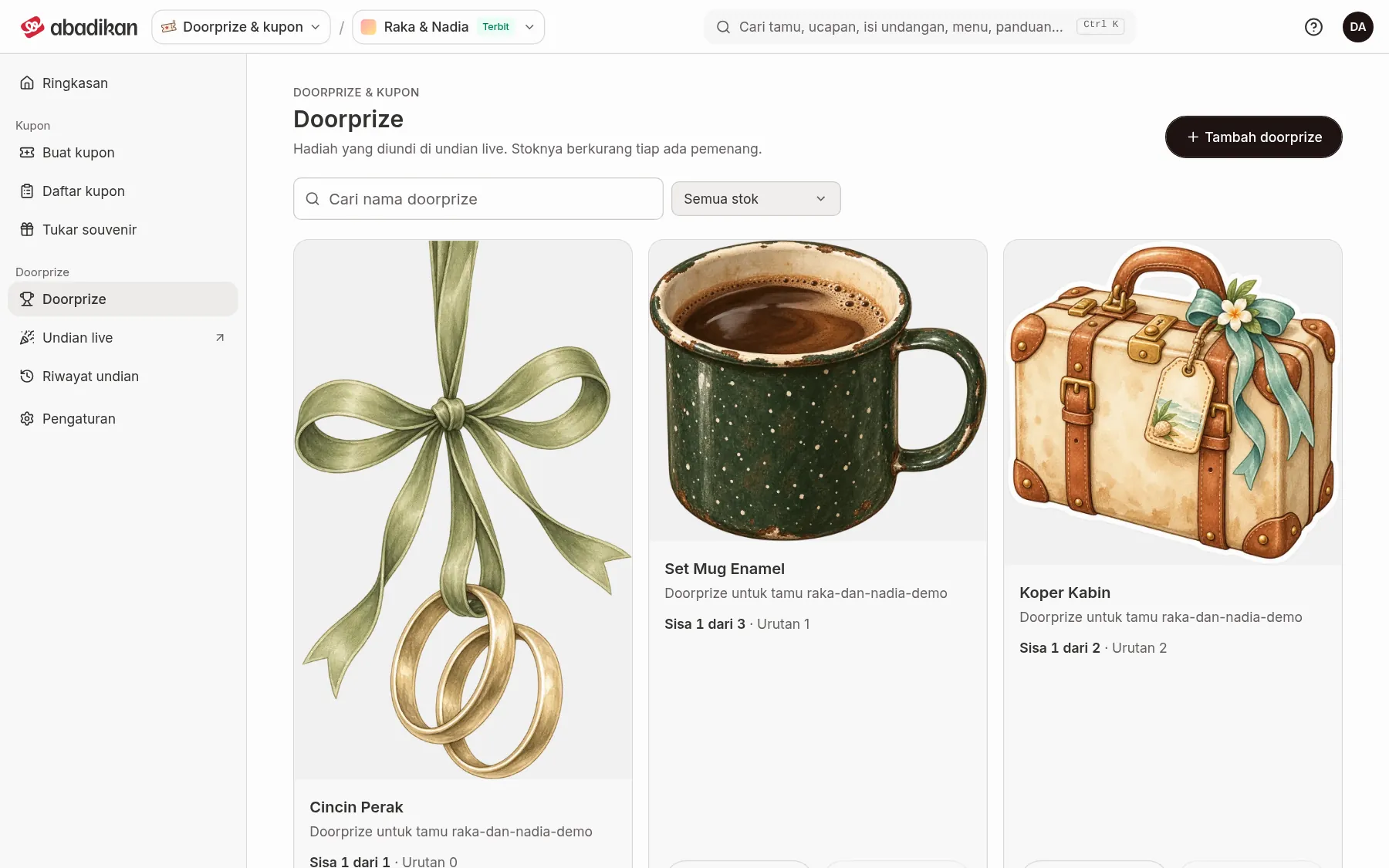
Every winner saved in the Live draw lowers that prize's remaining stock. A prize card that is running low is marked Running low, and one that has reached zero is marked Out of stock. A prize that is out of stock can't be picked in the Live draw.
Search, edit, or delete a prize
- Find a prize with the Search door prizes field, or filter with Stock filter: All stock, In stock, or Out of stock. Click Clear filters to show everything again.
- On the prize card:
- click Edit, change it, then click Save changes, or
- click Delete, then Yes, delete in the confirmation dialog.
Next steps
- Issue coupons from a shopping receipt — issue coupons for visitors.
- Draw winners in the Live draw — draw prizes on the venue screen.
Was this page helpful?