Redeem coupons for souvenirs
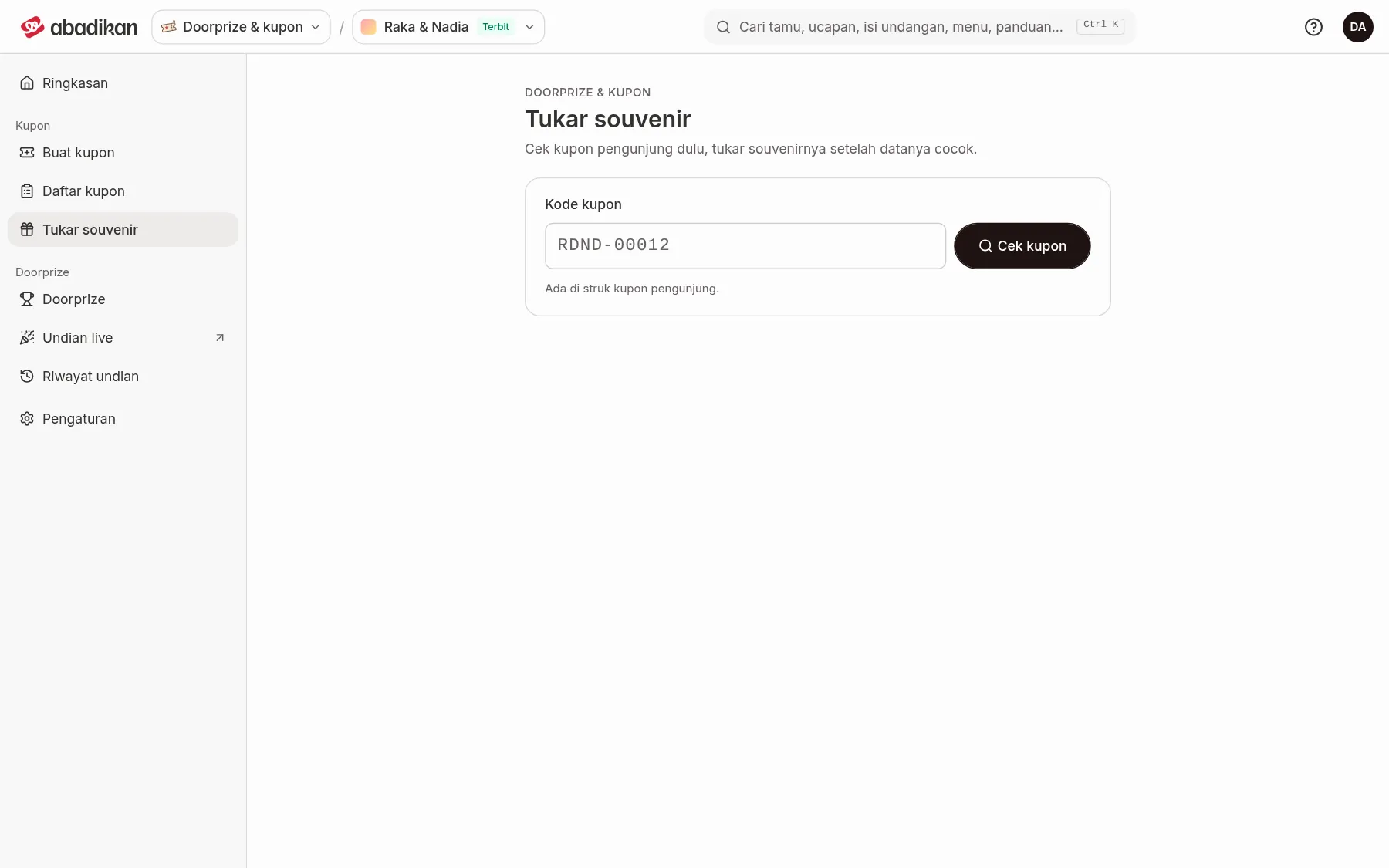
In Redeem souvenirs, counter staff check a visitor's coupon first, then record the souvenir redemption once the details match.
Record a redemption
- Open Redeem souvenirs in the sidebar, under the Coupons group (on a phone: the Souvenirs tab).
- Type the code from the visitor's receipt in the Coupon code field. Spaces and lowercase letters are fine.
- Click Check coupon. This button only checks, it doesn't redeem anything yet.
- Read the result:
- Coupon … can be redeemed: the card shows Owner, Phone, Receipt no., Booth, and Issued. Make sure the name or phone matches the visitor in front of you.
- The souvenir for coupon … was already taken: this coupon was already redeemed. Each coupon can only be redeemed once.
- Coupon … not found: compare it with the code on the receipt. Coupons from another event can't be redeemed here.
- Click Redeem souvenir on that card. Souvenir redeemed appears, along with the notification "Souvenir redeemed for coupon …". Hand the souvenir to the visitor.
- Click Check another coupon for the next visitor.
If "The souvenir couldn't be redeemed." appears, or a message saying souvenir redemption isn't switched on for this event, contact the Abadikan admin through Contact Abadikan support.
Check redemption status
The redemption status shows in the Souvenir column of the Coupon list: Not redeemed, Partly redeemed, or Redeemed. Partly redeemed means only some of the coupon codes on one receipt have been redeemed.
Next steps
- Coupon list — see the redemption status of every coupon.
- Guestbook and coupon issues on the wedding day — fixes for problems that often come up at events.
Was this page helpful?