Invite guests
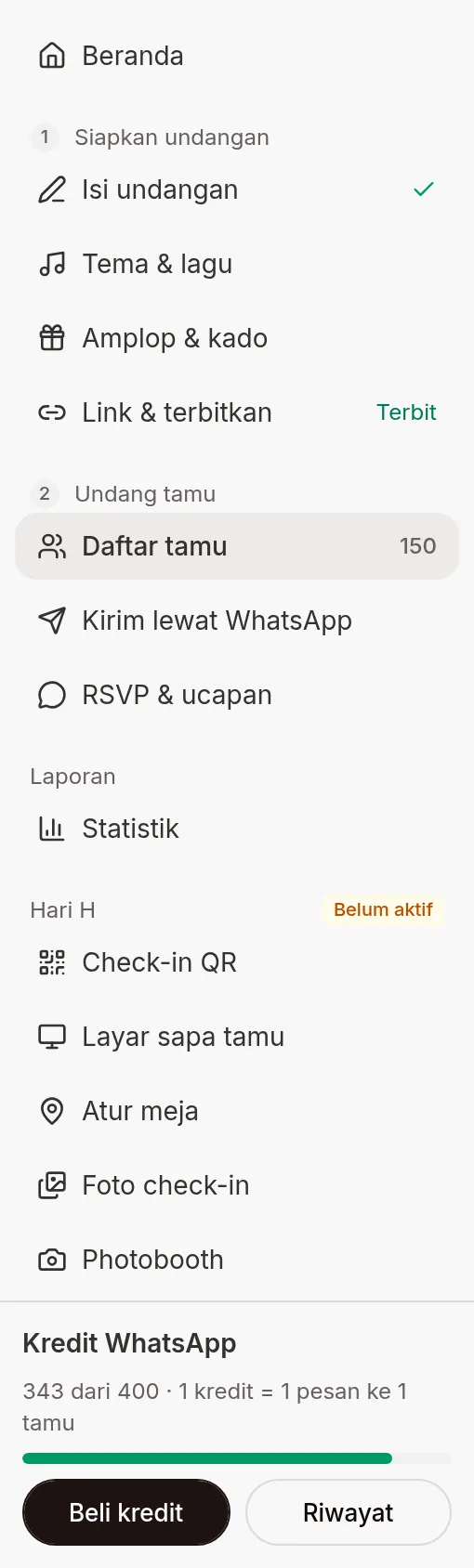
In the dashboard sidebar, the Invite guests group (step 2 after Prepare invitation) has three menus: Guest list, Send via WhatsApp, and RSVP & wishes. From here you build the guest list, send personal invitations, and follow who has confirmed.
What you can do
| What you can do | Page |
|---|---|
| Add guests one by one, or many at once from an Excel file | Add guests and import from Excel |
| Read the guest list, search, filter, view QR, print QR, and delete guests | Guest list |
| Send an invitation to one guest from your own WhatsApp, or copy the message | Send invitations by hand from the Guest list |
| Send invitations to many guests at once from Abadikan's official WhatsApp number | Send via WhatsApp |
| Understand, check, and top up credits for automatic sends | WhatsApp credits |
| See who is coming and who is not, then download the results | RSVP answers |
| Read guests' wishes and prayers | Wishes & prayers |
| Limit RSVPs, close them on a set date, and manage invitation access | Set up RSVP and invitation access |
| See the invitation the way your guests see it | The invitation from the guest's side |
Old links still work
The old RSVP & Guests menu has been split up. Old links and bookmarks still take you to the right place: the guests page goes to Guest list, the RSVP tab goes to RSVP & wishes, and the WhatsApp Broadcast page goes to Send via WhatsApp.
Common problems
- Guests, WhatsApp, or RSVP problems — failed imports, messages not sent, low credits, RSVP.
- Guests can't open the invitation — the screens guests see and how to fix them.
Was this page helpful?